A register your team can use
Search identifiers, locations and status. Open the instrument for its history, reference standards and custom fields.
For quality and equipment teams who need more than a spreadsheet. Connect due dates, calibration results and supporting records, from your first import to your next review.
Free up to 50 instruments. No credit card. No automatic upgrade.
Email the founder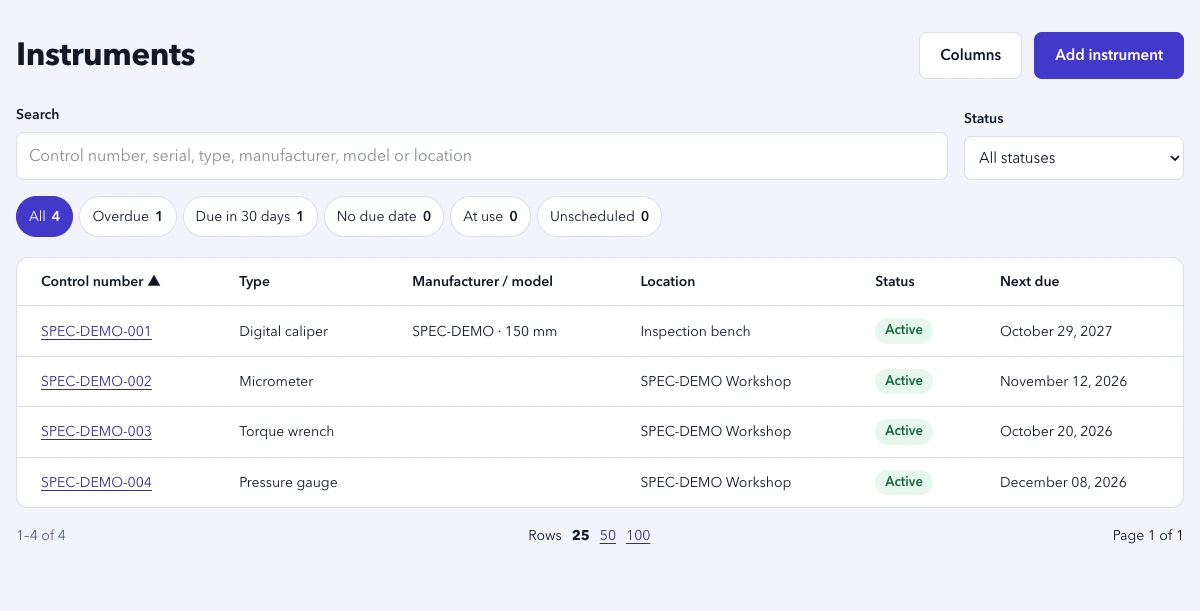
Keep the instrument, the work and the evidence connected, so the next person can pick up where you left off.
Search identifiers, locations and status. Open the instrument for its history, reference standards and custom fields.
Review the list or month view. Calculate the next due date with your working calendar and configure reminder digests.
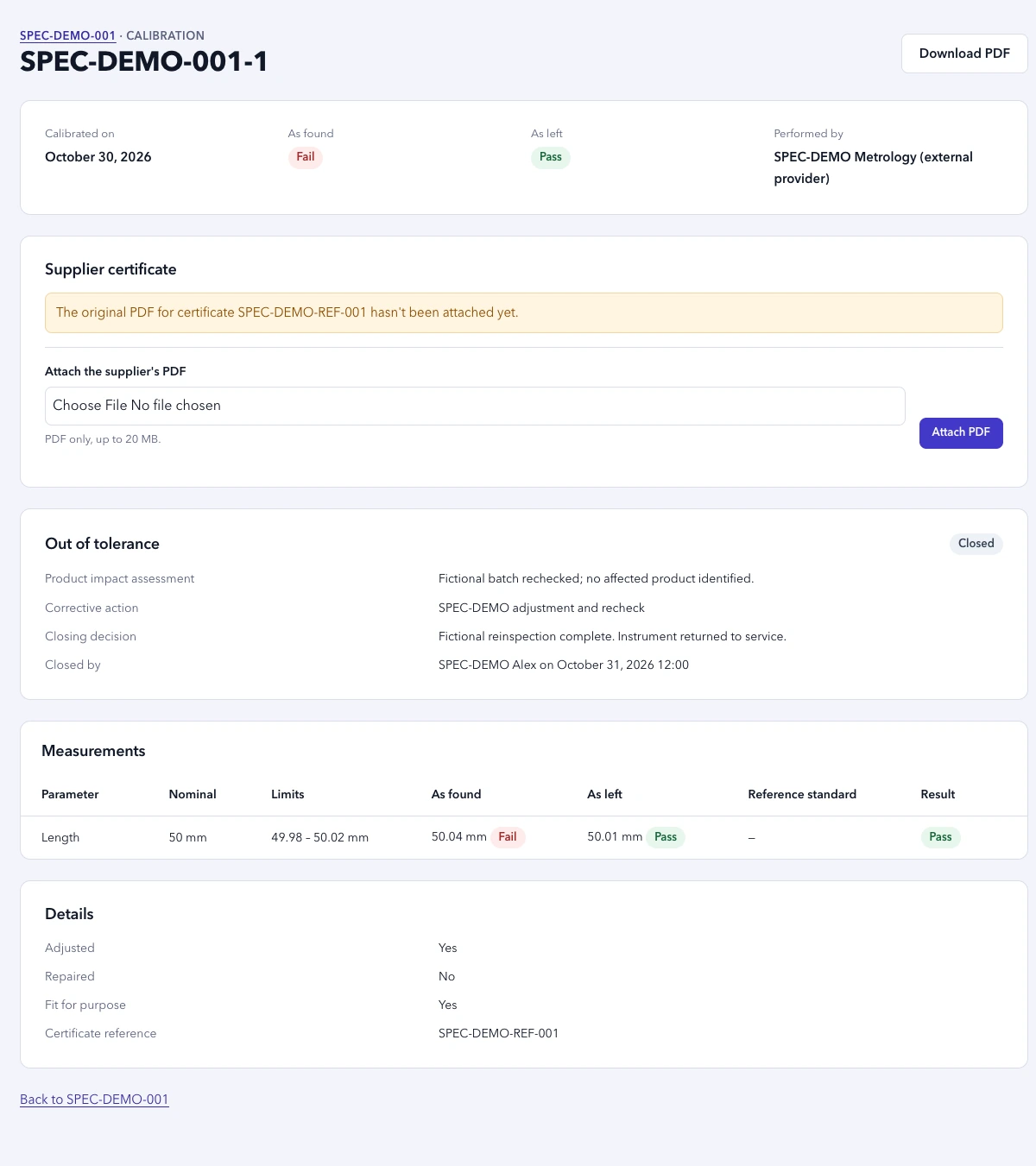
Record as-found and as-left readings, tolerances and reference standards. Document product impact and close an OOT event with a decision.
Keep original supplier PDFs linked to the calibration. Generate a separate printable internal record with your account branding.
Map CSV or XLSX columns, inspect the preview and confirm the import. Attach original supplier documents separately.
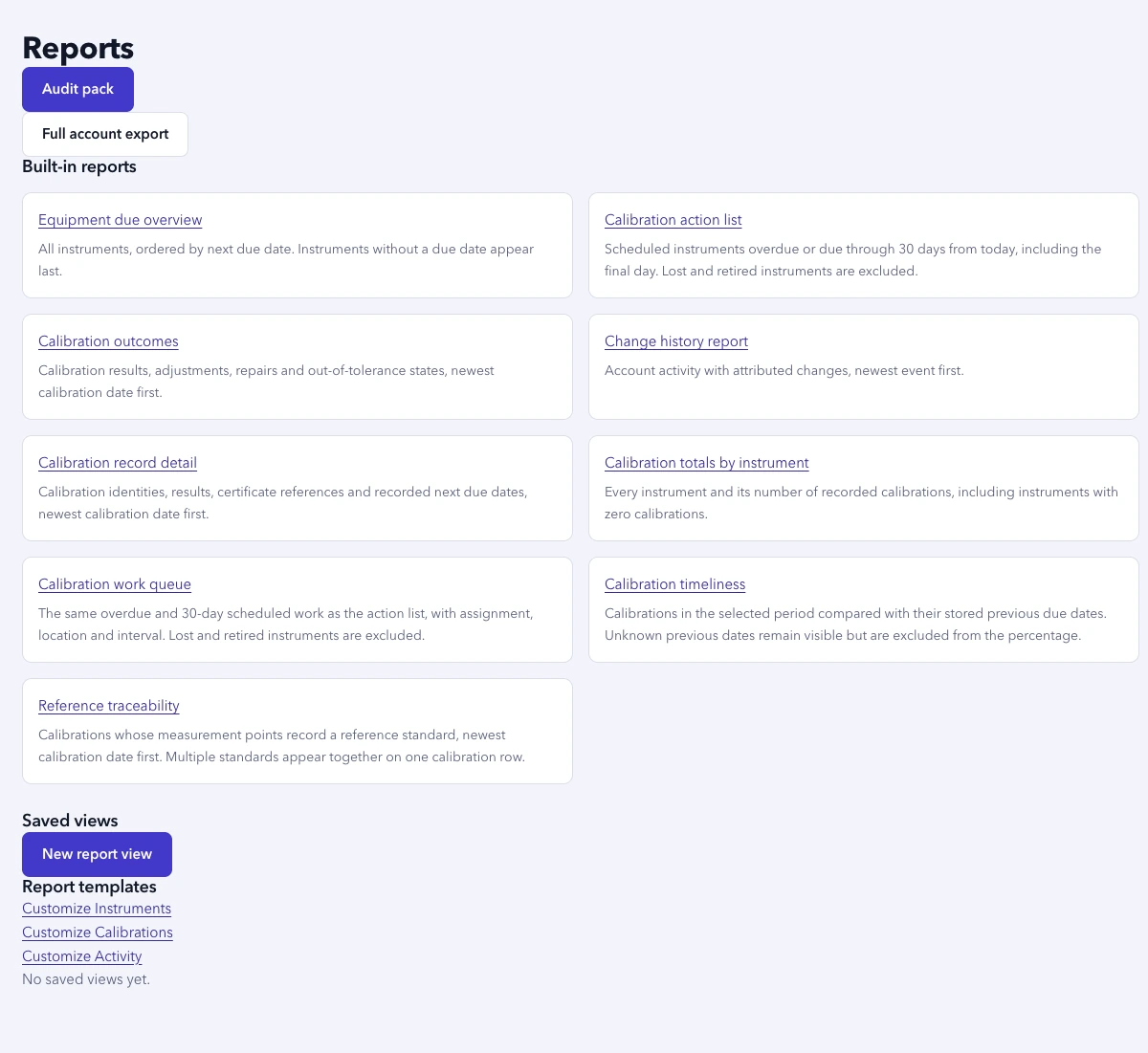
Review who changed what. Use saved reports, a period-based audit pack or a full account ZIP to gather the records you need.
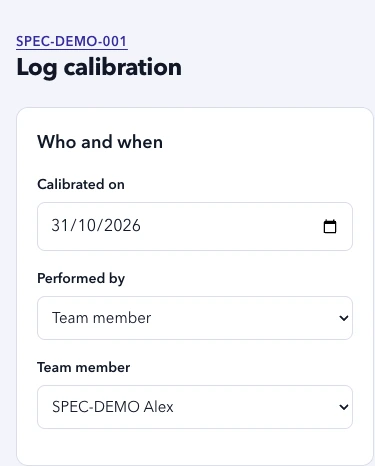
These are real application views with fictional SPEC-DEMO data. The same caliper appears in the sample documents below.
SPEC-DEMO-001 sits alongside the rest of the register. Search and due-status filters help the team decide what to review next.
This fictional caliper failed as found and passed after adjustment. Its record keeps the readings, product-impact assessment and closing decision together.
Start with a built-in report, save your own view or assemble an audit pack for a period. Original supplier documents remain distinct from generated internal records.
Check the register on a shared shop tablet or begin a calibration on a phone. It is the same account and workflow, without a separate mobile register to maintain.
Previews and sample PDFs are in English and use fictional data.
Create free account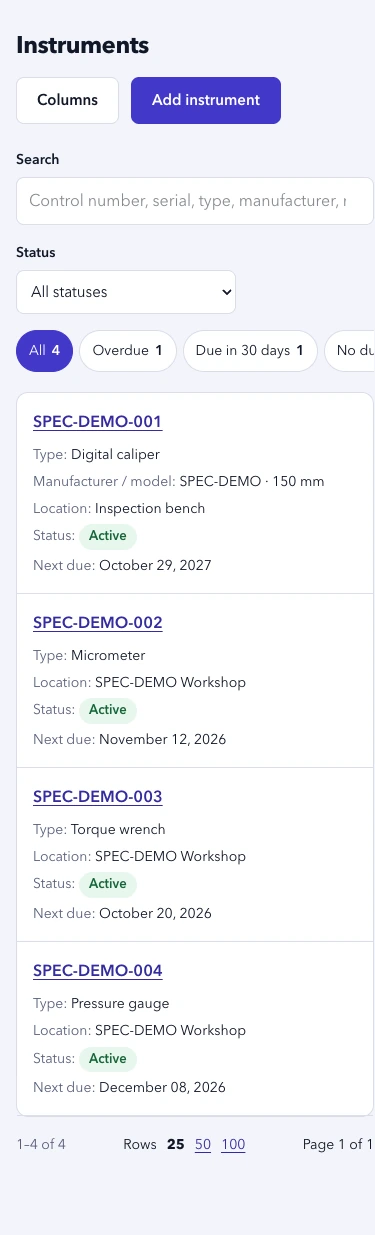
Bring your instrument list and supported calibration history into a reviewable import. Nothing is added until you confirm.
Upload CSV or XLSX and choose which fields and worksheets to include. Mapping is deterministic; rows are not sent for AI processing.
Check proposed changes and row-level errors. Refresh the preview after changing the mapping, then confirm the import.
Attach original supplier PDFs to the matching calibration records through the authorized application flow.
Download the application's own output for the fictional SPEC-DEMO-001 caliper. See how the result, decision and instrument history come together.
Instrument details, readings, result and OOT closure in a printable record. This is not an accredited certificate or approval of a supplier document.
Download the sample internal recordRegister status, due work, calibrations, OOT closures, on-time metrics and a certificate index, with the internal record included.
Download the sample audit packPreviews and sample PDFs are in English and use fictional data. Your team remains responsible for calibration decisions, fitness for use and audit requirements.
Organize records for ISO 9001 (7.1.5), IATF 16949, AS9100 and ISO 13485 reviews. Software does not guarantee an audit outcome.
Free covers up to 50 instruments. Starter supports small companies tracking up to 150. Every plan includes unlimited users and the current product features. Paid plans are arranged and invoiced manually.
$0 per month
Free. No credit card required.
$29 per month
or $290/year billed annually (2 months free)
$59 per month
or $590/year billed annually (2 months free)
$129 per month
or $1,290/year billed annually (2 months free)
Contact us
Pricing for larger registers and several sites.
Prices in USD. Paid plans and trial dates are agreed directly with your team. No automatic upgrade or charge.
What to know before you sign up.
Yes. Create a Free account, confirm your email and log in to start your instrument register. Free covers up to 50 instruments with no credit card.
Use Log in on this page with the email and password for your customer account. The confirmation email activates your account; you can resend it or request a password reset from the login page.
Free covers up to 50 instruments. Paid plans start at $29/month; Team is $59/month. Paid access and invoices are arranged manually. Creating an account does not create a paid subscription.
No. A new account starts on Free without a payment card, paid trial or automatic upgrade. Continuing on a paid plan requires your agreement and a manual invoice.
We arrange a 30-day paid-plan trial with your team and agree its access dates. There is no automatic charge or paid continuation. Contact us to arrange it.
Import CSV or XLSX instruments and supported calibration history. Review the column mapping and preview before confirming. Attach original supplier PDFs separately through the app; do not email records through the marketing contact flow. Mapping does not send rows for AI processing.
No. The app stores original supplier PDFs and generates printable internal calibration records. These are not accredited certificates and do not approve supplier documents. Your team remains responsible for calibration and fitness-for-use decisions.
No. The app helps organize records and prepare evidence; your team remains responsible for applicable requirements and audit decisions.
Yes. Use report exports and audit packs. An account administrator can generate a full account ZIP with records and original attachments, including a manifest identifying any missing files. Exports remain available at the instrument limit.
No. Current plans include unlimited users; instrument capacity determines the plan. Prices are in USD and paid plans are invoiced manually.
Create a Free account for up to 50 instruments. Confirm your email, then start building your register. Invite your team when you are ready.
Free up to 50 instruments. No credit card. No automatic upgrade.
Need more capacity or a paid-plan trial? Plans, access dates and invoices are arranged directly with your team. Contact us